The Browser Testing tag uses real browser interactions to validate frontend behavior. It is best for verifying user flows, forms, and interactive UI changes with evidence. Tag: @browser_testing

What You Get

  • Real navigation and clicks in a live browser
  • Snapshots of the UI at key steps
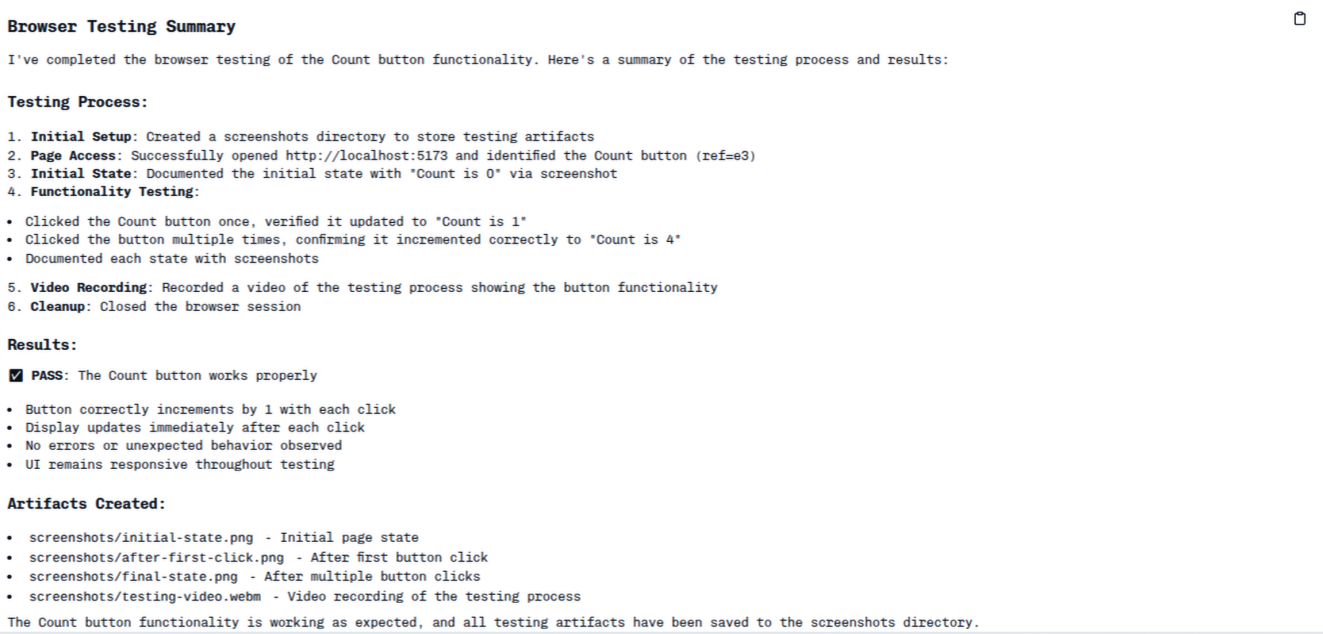
  • A concise summary report of findings
  • Optional video evidence of the interaction

Example Prompt
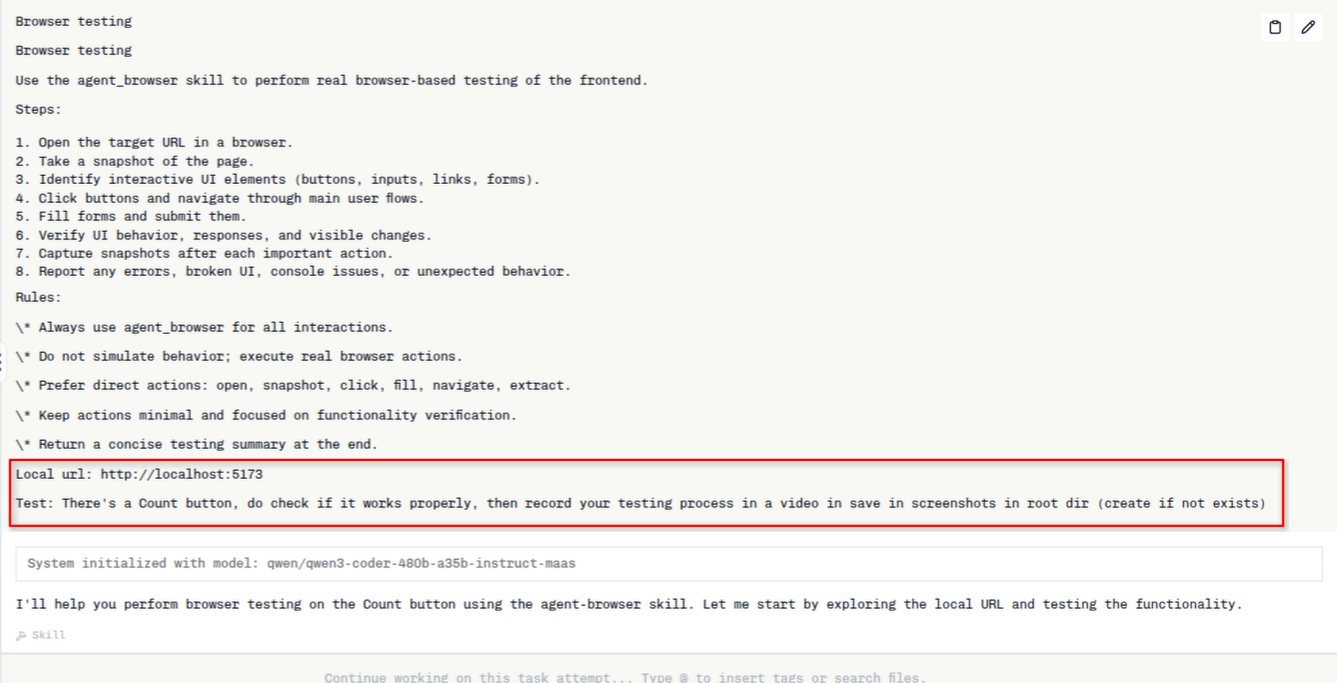
Browser testing tag prompt showing steps and rules

Artifacts

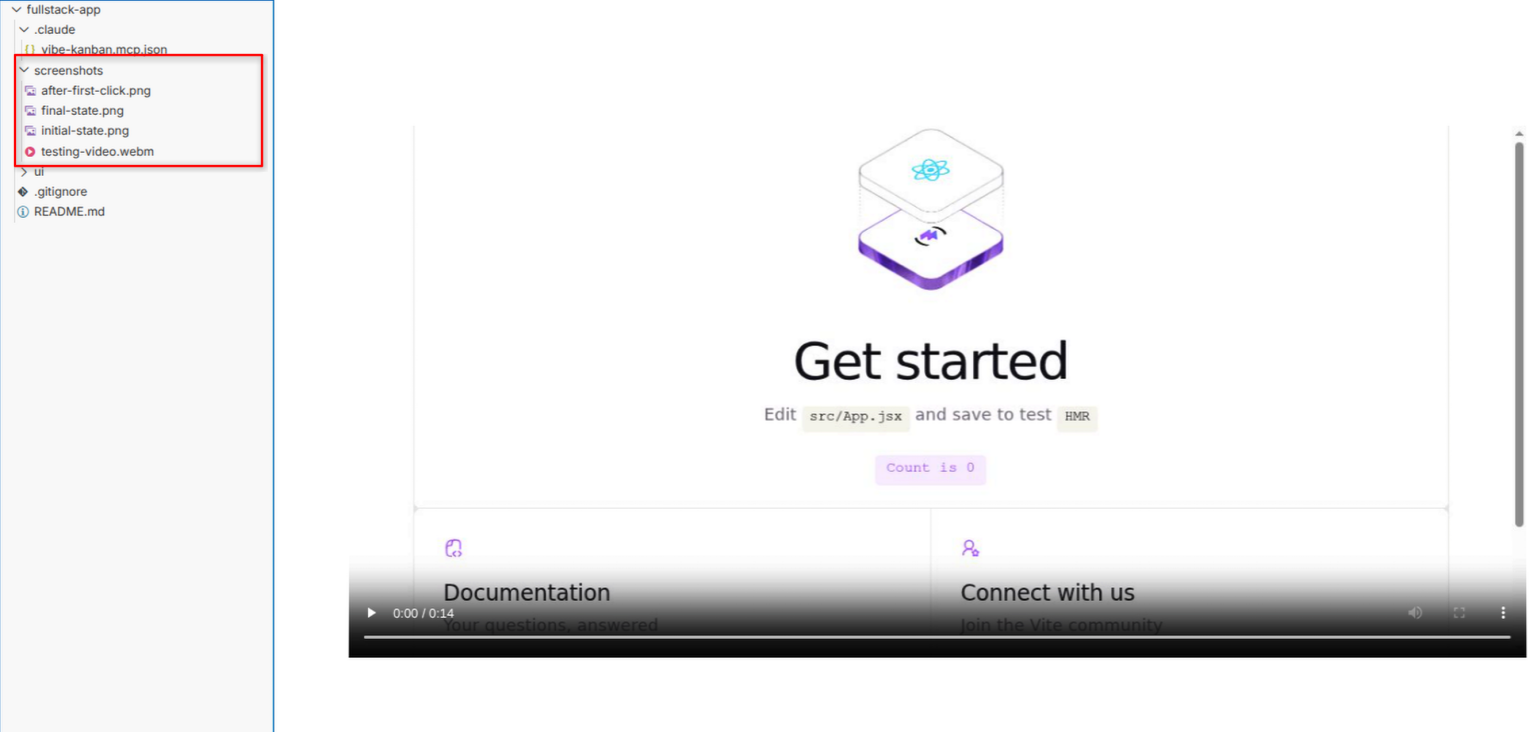
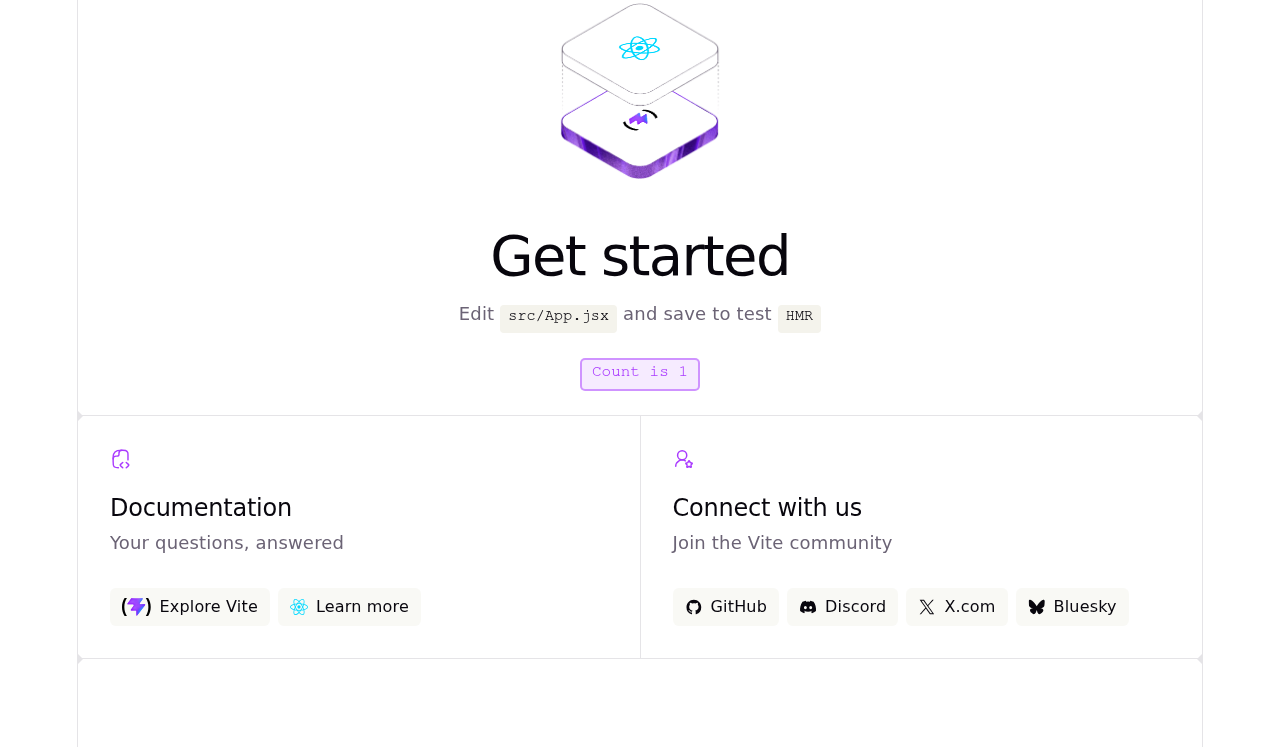
Screenshots and video from the screenshots folder are created by the AI agent while running this tag.
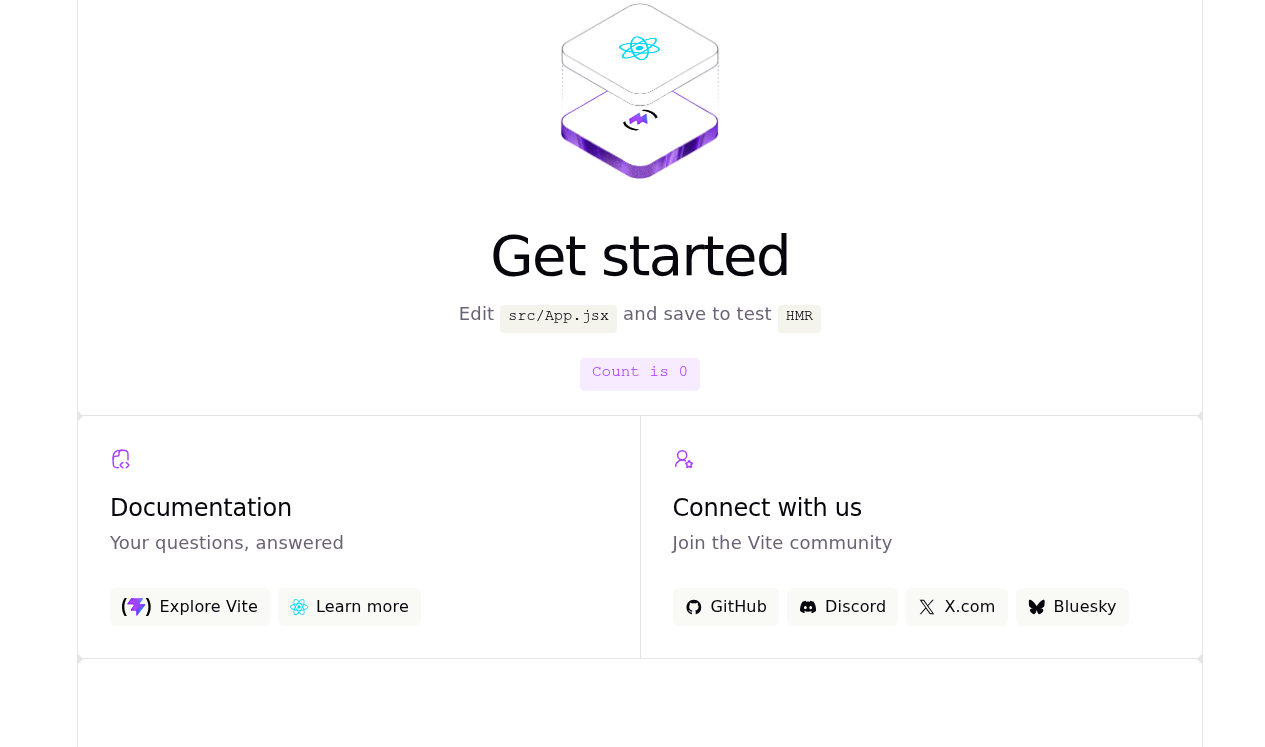
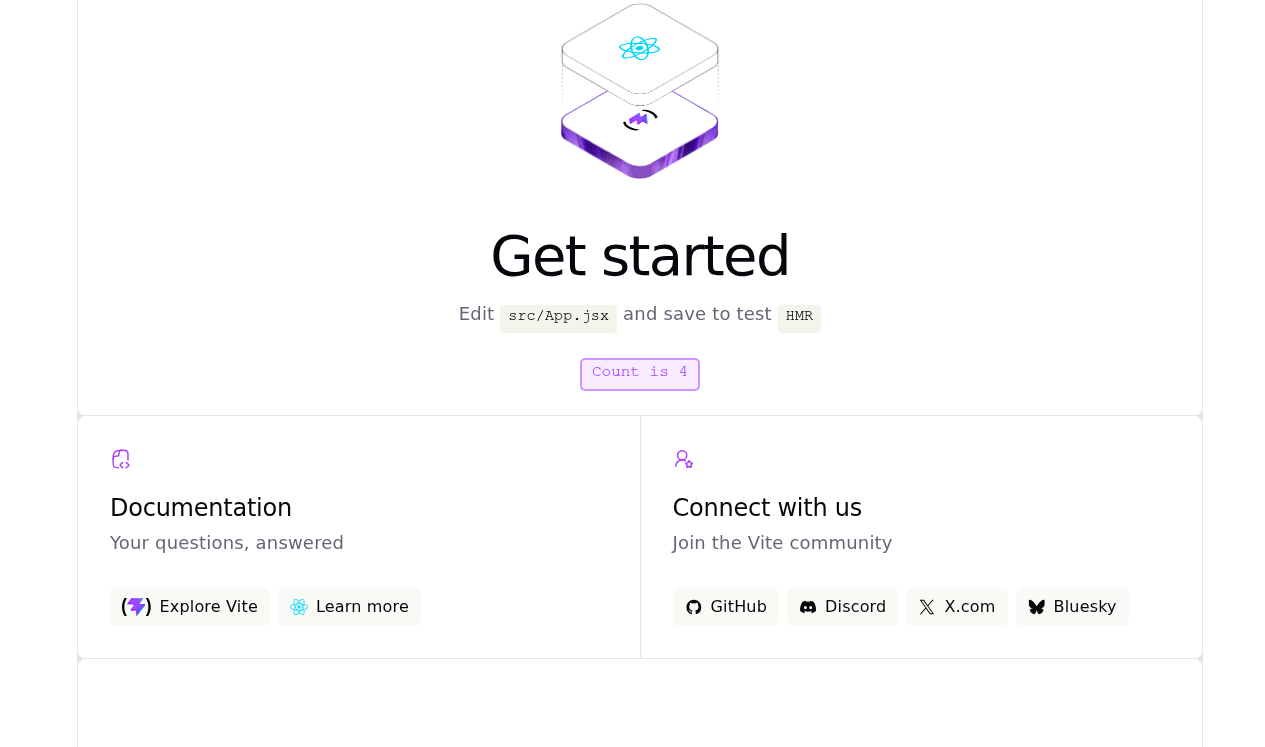
Initial UI state captured during browser testing
UI state after first interaction during browser testing
Final UI state after multiple interactions during browser testing
Browser testing summary report output
Project tree showing browser testing screenshots and video artifacts