Available Tags
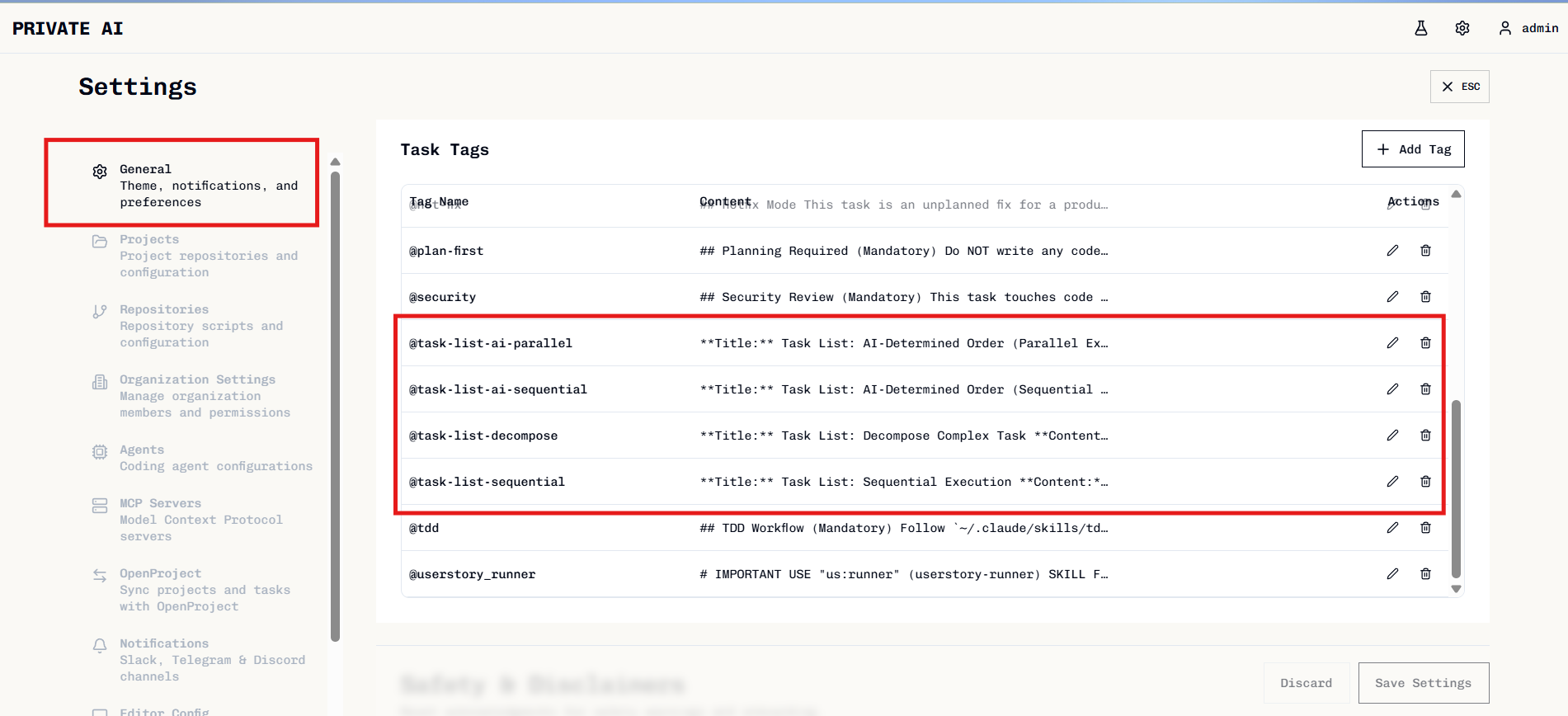
| Tag | Purpose |
|---|---|
@task-list-decompose | Analyze and break down a complex task into sub-tasks |
@task-list-sequential | Execute sub-tasks in listed order, one after another |
@task-list-ai-sequential | AI determines optimal sequential order based on dependencies |
@task-list-ai-parallel | AI determines order, runs independent tasks in parallel |
Using Tags
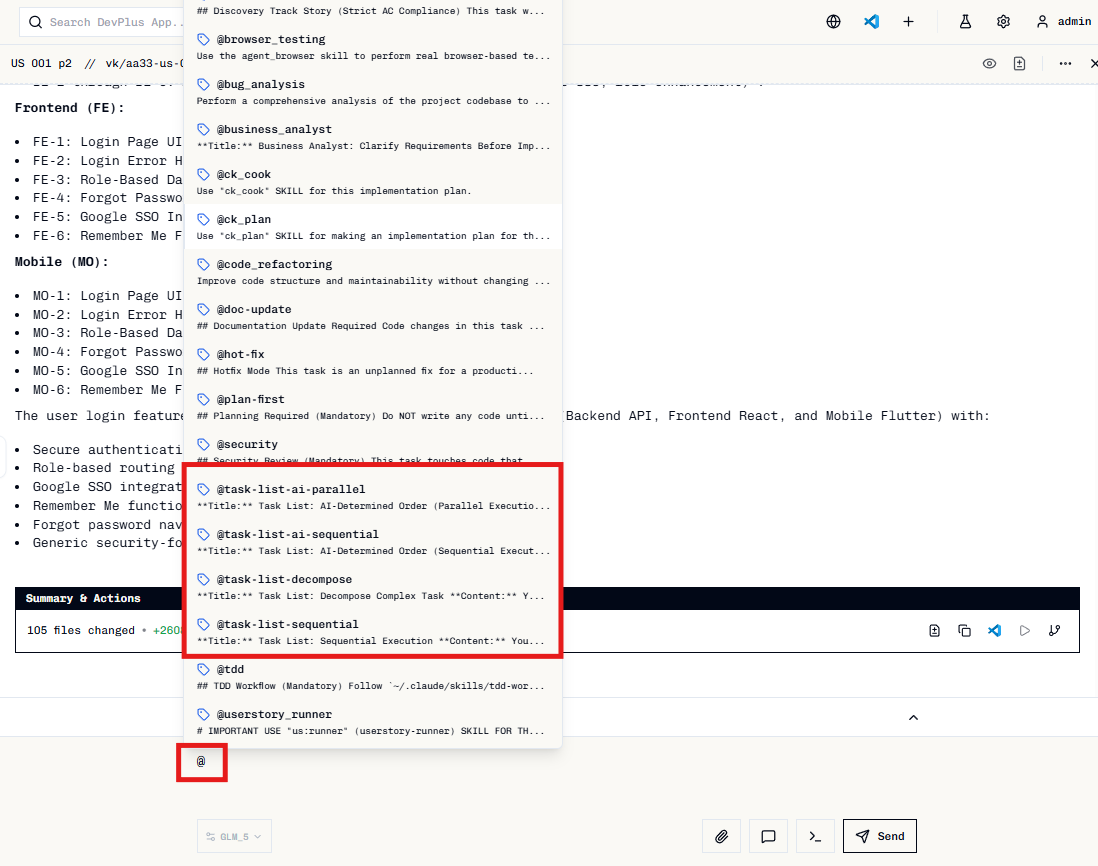
Type@ in your prompt to show available tags and select one.
Workflow
Decompose First
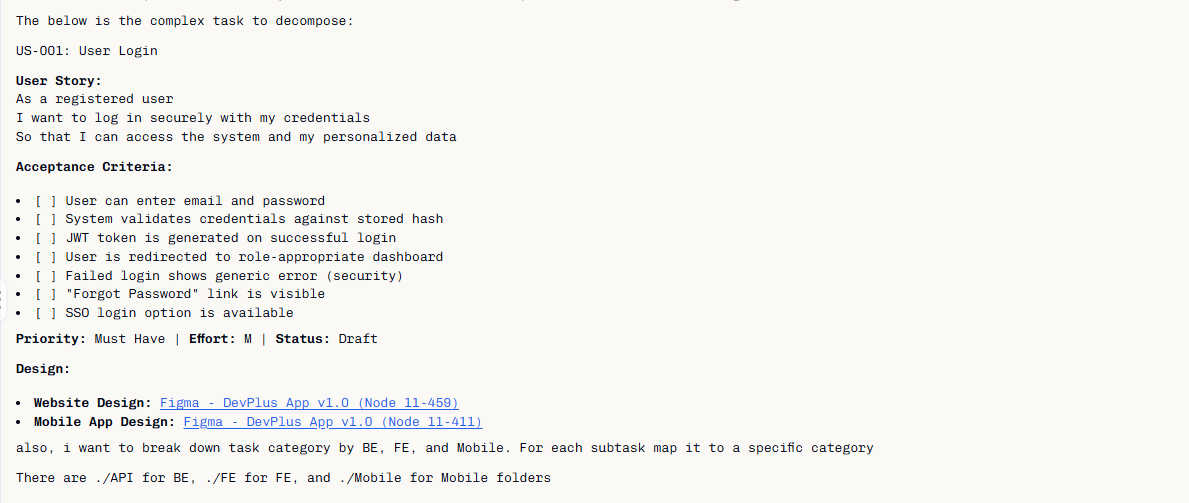
Use@task-list-decompose to analyze complex tasks:
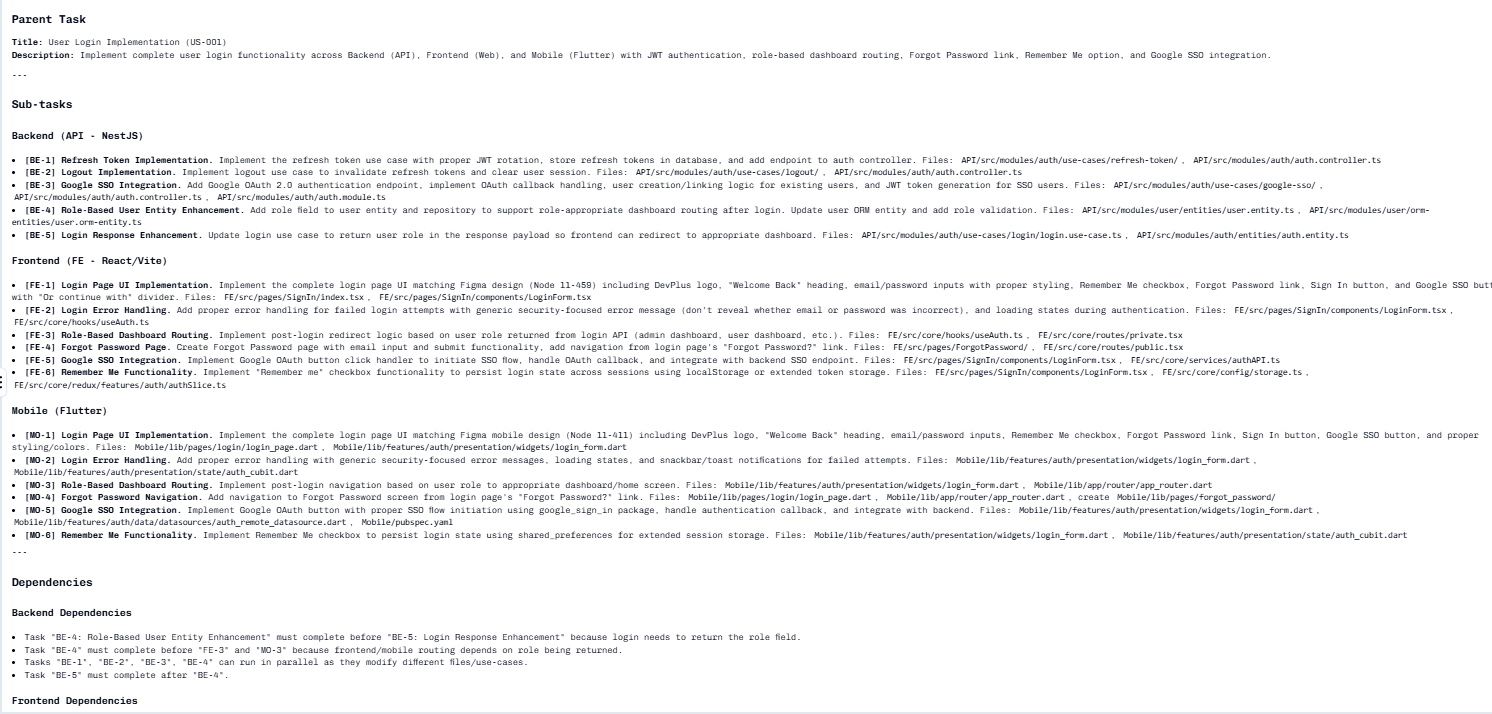
Then Execute
Copy the output and use with an execution tag:@task-list-sequential— Tasks run in listed order@task-list-ai-sequential— AI determines optimal order@task-list-ai-parallel— Independent tasks run simultaneously
When to Use
Decompose complex features:Parallel execution works best when tasks modify different files. Tasks affecting the same files should run sequentially to avoid conflicts.
Run Selected Tasks
You can also run existing todo tasks directly without typing tags.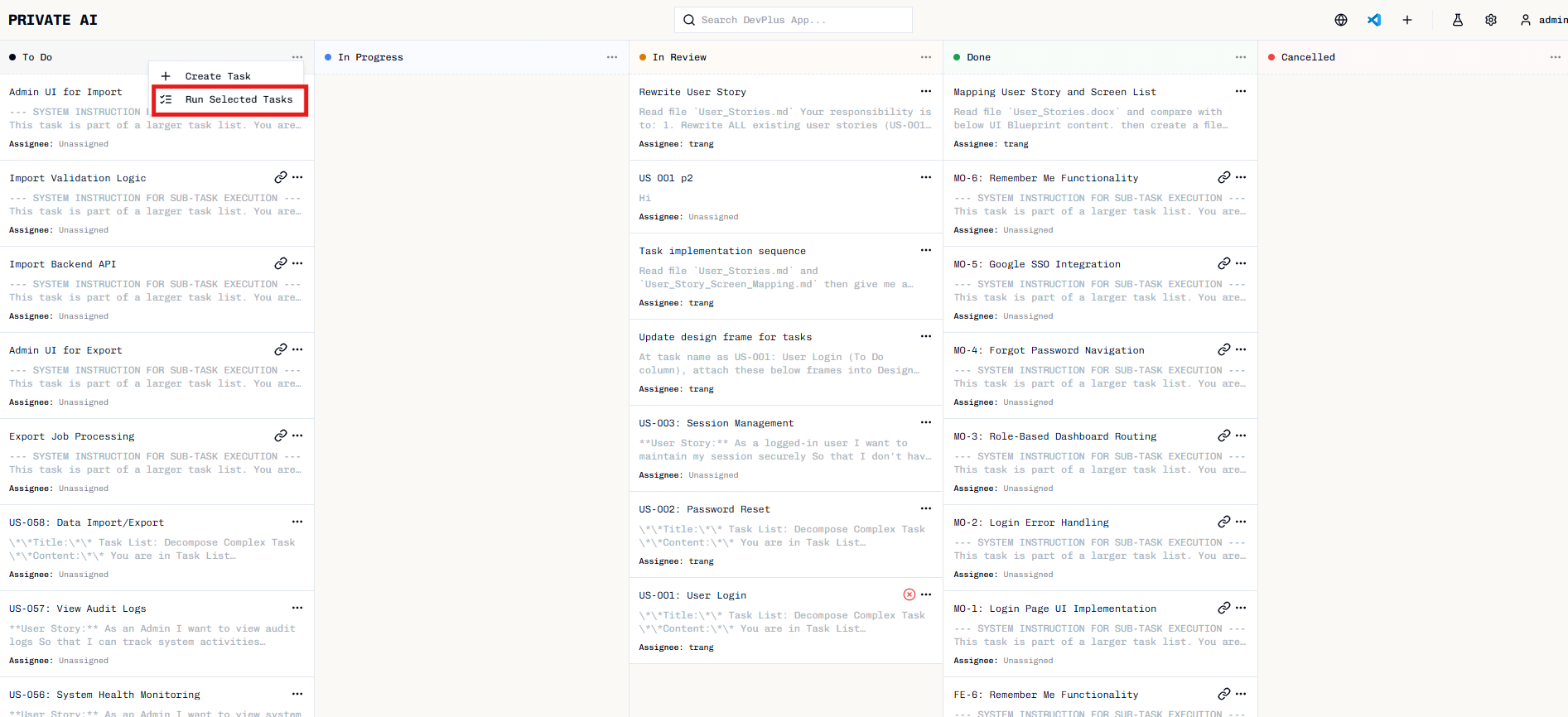
Choose execution mode
Select how tasks should run: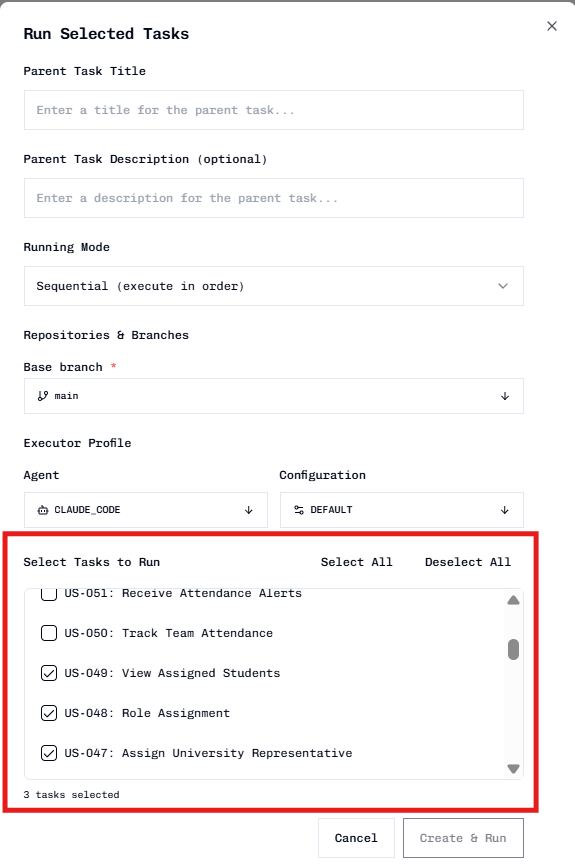
- Sequential — Tasks execute one after another
- AI Sequential — AI determines optimal order
- AI Parallel — Independent tasks run simultaneously